
Smart TV Controller1.0.3 - App Store
You'll be able to see results in few seconds.
Publisher Description
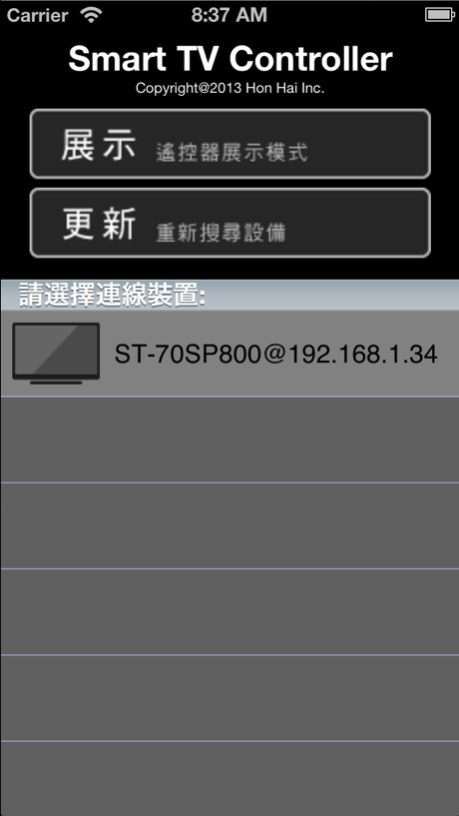
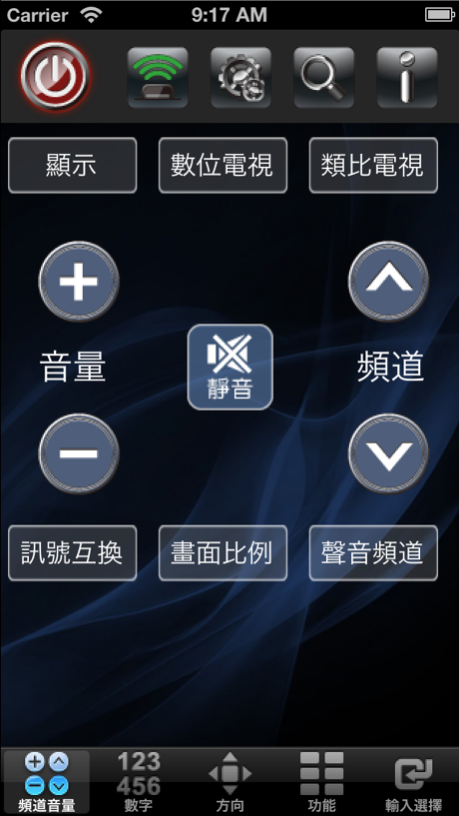
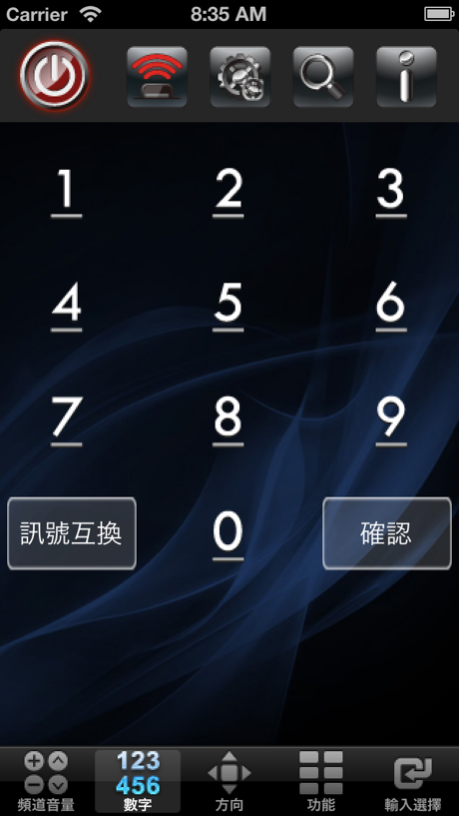
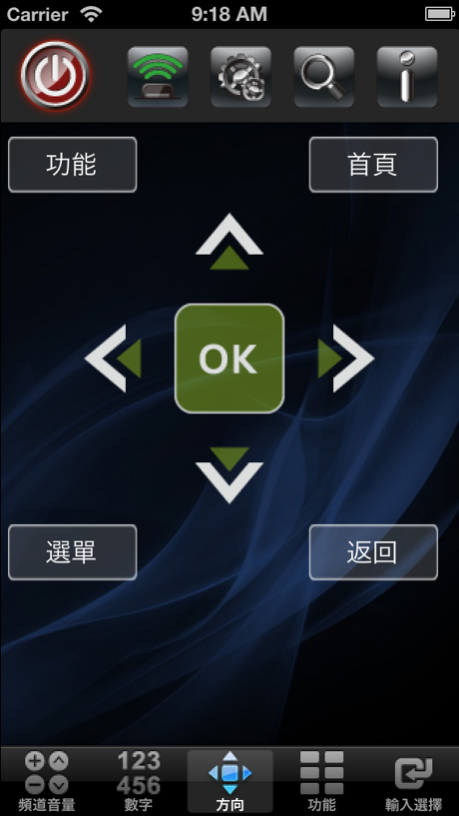
這是一個控制鴻海智慧型電視遙控器的應用程式.
你可以透過手機或平板來遙控電視/液晶顯示器.
使用此應用程式請將你的手機或平板連結到與電視相同的Wi-Fi網域.
支援的平台如下:
ST-40SP800
ST-60SP800
ST-70SP800
XT-40SP800
XT-60SP800
XT-70SP800
7T-40SP711
7T-60SP711
7T-70SP711
XT-50IP800
7T-50IP711/721
This is a remote control application for Foxconn Smart TV devices.You can control your Foxconn TV/Monitor with this app by your iPhone.
Please note that your TV and iPhone must be within the same Wi-Fi network when you use this app.
Supported Models:
ST-40SP800
ST-60SP800
ST-70SP800
XT-40SP800
XT-60SP800
XT-70SP800
7T-40SP711
7T-60SP711
7T-70SP711
XT-50IP800
7T-50IP711/721
Aug 16, 2013
Version 1.0.3
1.修改App操作會有閃離現象.
2.修改App連接網路有時不會成功.
About Smart TV Controller
The company that develops Smart TV Controller is FieC. The latest version released by its developer is 1.0.3.
To install Smart TV Controller on your iOS device, just click the green Continue To App button above to start the installation process. The app is listed on our website since 2013-08-16 and was downloaded 0 times. We have already checked if the download link is safe, however for your own protection we recommend that you scan the downloaded app with your antivirus. Your antivirus may detect the Smart TV Controller as malware if the download link is broken.
How to install Smart TV Controller on your iOS device:
- Click on the Continue To App button on our website. This will redirect you to the App Store.
- Once the Smart TV Controller is shown in the iTunes listing of your iOS device, you can start its download and installation. Tap on the GET button to the right of the app to start downloading it.
- If you are not logged-in the iOS appstore app, you'll be prompted for your your Apple ID and/or password.
- After Smart TV Controller is downloaded, you'll see an INSTALL button to the right. Tap on it to start the actual installation of the iOS app.
- Once installation is finished you can tap on the OPEN button to start it. Its icon will also be added to your device home screen.
Program Details
System requirements
Download information
Pricing
Version History
version 1.0.3
posted on 2013-08-16
Aug 16, 2013
Version 1.0.3
1.修改App操作會有閃離現象.
2.修改App連接網路有時不會成功.
version 1.0.3
posted on 2013-04-16
Disclaimer
Official App Store Link
We do not host Smart TV Controller on our servers. We did not scan it for viruses, adware, spyware or other type of malware. This app is hosted by Apple and passed their terms and conditions to be listed there. We recommend caution when installing it.
The App Store link for Smart TV Controller is provided to you by apps112.com without any warranties, representations or guarantees of any kind, so access it at your own risk.
If you have questions regarding this particular app contact the publisher directly. For questions about the functionalities of apps112.com contact us.
